
Guide

How to buy Bitcoin with cash

This step-by-step guide shows you how to buy Bitcoin with cash at your nearest ATM. Here you will find instructions for using the device, a description of the ATM's components, and an explanation of the messages that appear on the screen. This will allow you to complete the entire transaction without any problems, even if you are using a Bitcoin ATM for the first time.

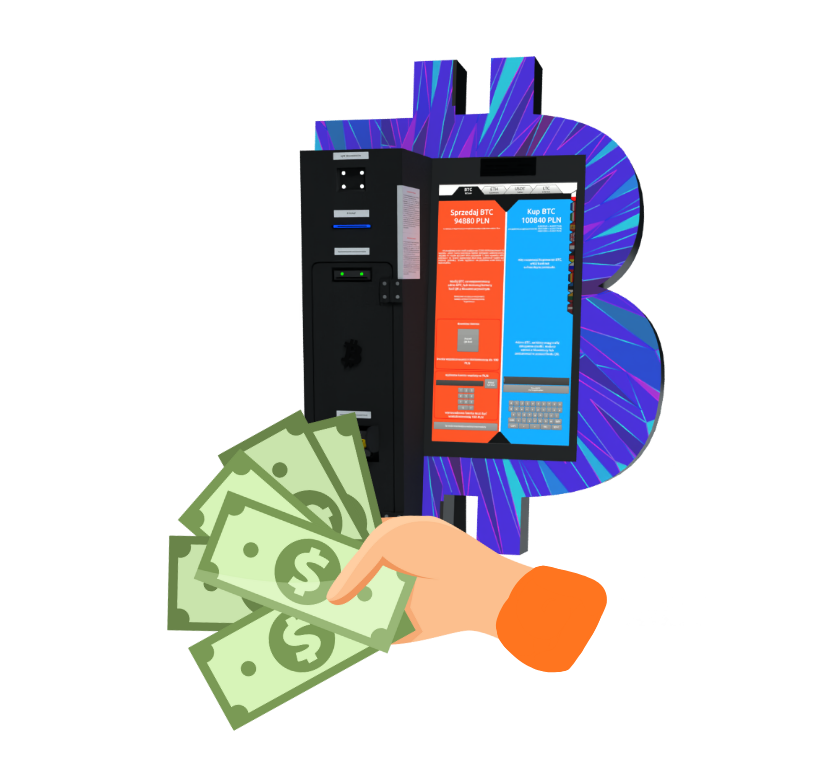
Icon of a Bitcoin ATM with a hand holding cash.
Charge Icon

Without waiting

Sell your crypto and enjoy cash instantly.

Icon of a smartphone with a QR code

With ease

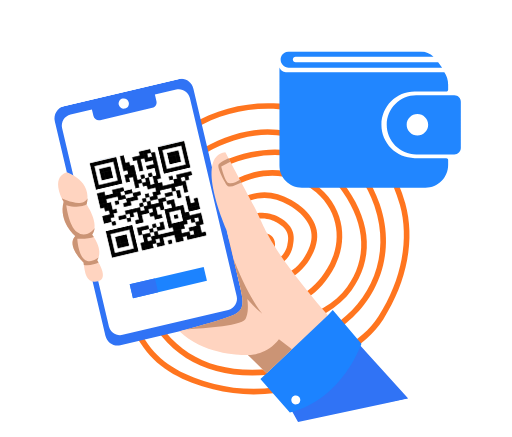
Just scan the QR code on your wallet!
Icon for missing bank card

Without an account

No accounts, credit cards, or phone numbers required.

Instructions for a Bitcoin ATM

How to use a Bitcoin ATM when buying BTC

BTC machine components

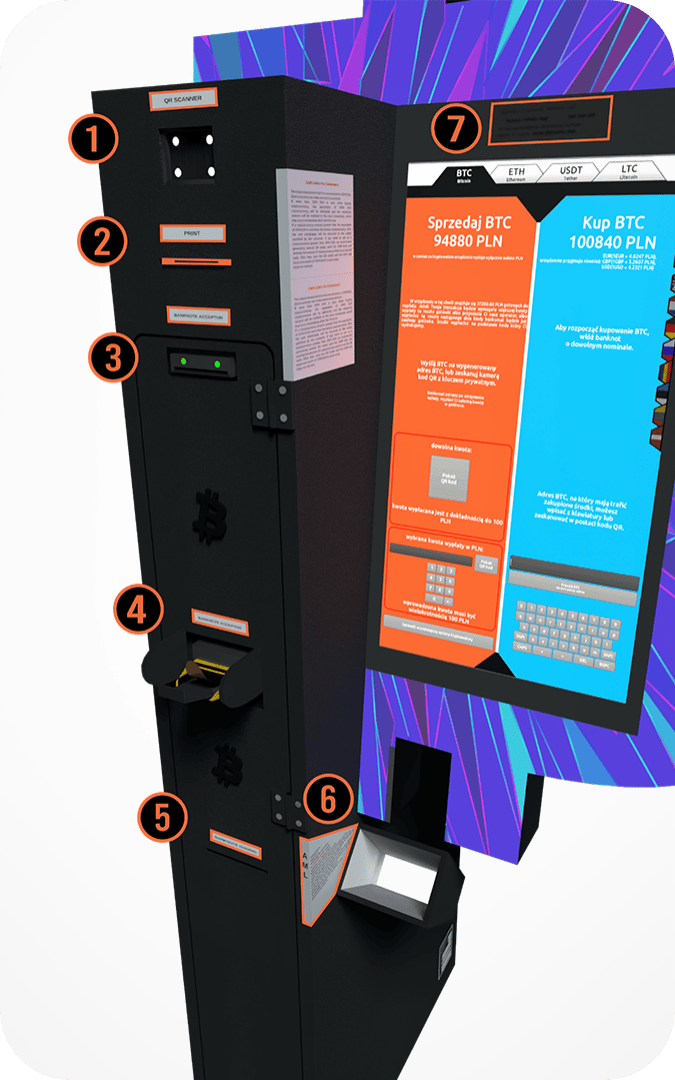
After selling Bitcoin for cash, you will receive a printout with a barcode. Scan it here so that the device can pay you out.

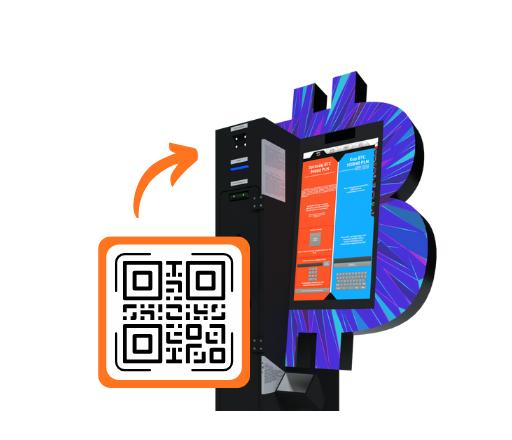
The device prints two codes: a QR code at the top and a barcode at the bottom. The barcode at the bottom is used to receive cash. After scanning it in the reader at the top of the device (1), Bitcoin ATM the withdrawal process.   The QR code at the top of the printout allows you to send cryptocurrency to the operator's address, which allows you to make a withdrawal in local currency at a Bitcoin ATM. This code may also appear during online sales or directly on the Bitcoin ATM screen. After scanning it and sending the funds, you will receive a barcode needed to collect your cash.

This is where you insert your banknotes. Newer models of BTC machines allow you to insert more banknotes at once.

The device prints two codes: a QR code at the top and a barcode at the bottom.
The bottom barcode is used to receive cash. After scanning it in the reader at the top of the device (1), Bitcoin ATM the withdrawal.
The QR code at the top of the printout allows you to send cryptocurrency to the operator's address, which allows you to make a withdrawal in local currency at a Bitcoin ATM. This code may also appear during online sales or directly on the Bitcoin ATM screen. After scanning it and sending the funds, you will receive a barcode needed to collect your cash.

Once the applicable transaction limit has been exceeded, you will be required to scan your ID. Information about the current limits can be found next to the scanner in the BTC machine.

If you encounter any issues selling cryptocurrency for cash, please contact customer support. Support is available by phone, email, Telegram, and WhatsApp.

Instructions for a Bitcoin ATM

How to use a Bitcoin ATM when buying BTC

BTC machine components

After selling Bitcoin for cash, you will receive a printout with a barcode. Scan it here so that the device can pay you out.

The device prints two codes: a QR code at the top and a barcode at the bottom. The barcode at the bottom is used to receive cash. After scanning it in the reader at the top of the device (1), Bitcoin ATM the withdrawal process.   The QR code at the top of the printout allows you to send cryptocurrency to the operator's address, which allows you to make a withdrawal in local currency at a Bitcoin ATM. This code may also appear during online sales or directly on the Bitcoin ATM screen. After scanning it and sending the funds, you will receive a barcode needed to collect your cash.

This is where you insert your banknotes. Newer models of BTC machines allow you to insert more banknotes at once.

The device prints two codes: a QR code at the top and a barcode at the bottom.
The bottom barcode is used to receive cash. After scanning it in the reader at the top of the device (1), Bitcoin ATM the withdrawal.
The QR code at the top of the printout allows you to send cryptocurrency to the operator's address, which allows you to make a withdrawal in local currency at a Bitcoin ATM. This code may also appear during online sales or directly on the Bitcoin ATM screen. After scanning it and sending the funds, you will receive a barcode needed to collect your cash.

Once the applicable transaction limit has been exceeded, you will be required to scan your ID. Information about the current limits can be found next to the scanner in the BTC machine.

If you encounter any issues selling cryptocurrency for cash, please contact customer support. Support is available by phone, email, Telegram, and WhatsApp.

How to use a Bitcoin ATM

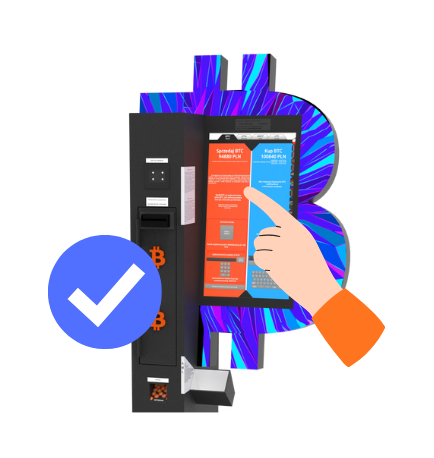
BTC machine screen

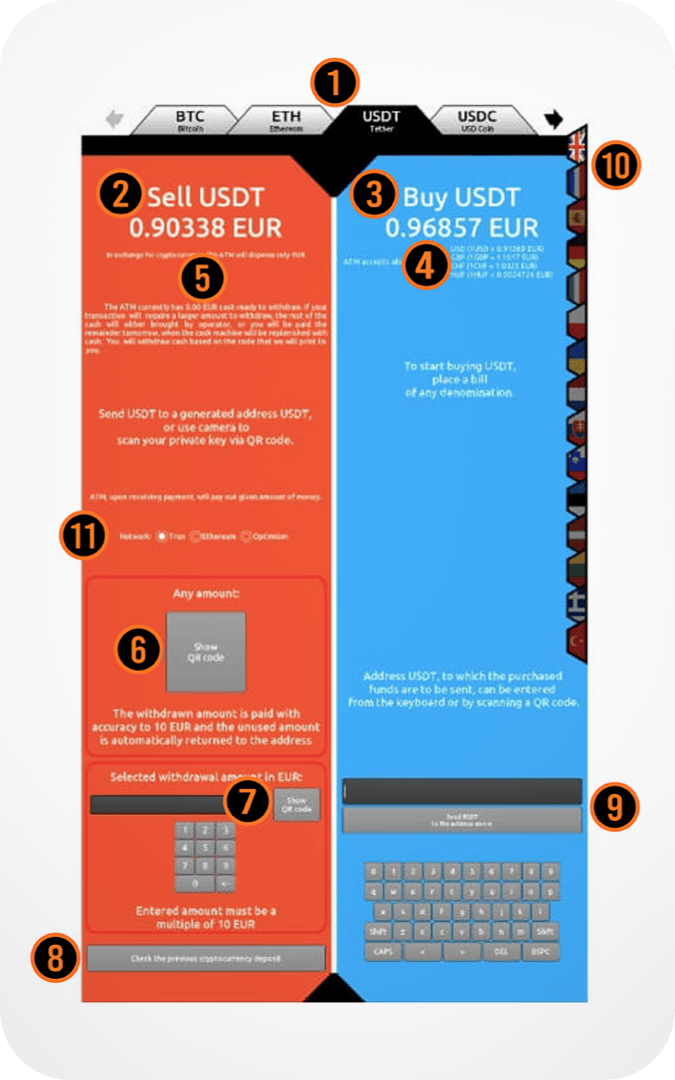
Select one of the available options: Bitcoin (BTC), Ethereum (ETH), Tether (USDT), USD Coin (USDC), Litecoin (LTC), Tron (TRX), Binance Coin (BNB), Solana (SOL).

Supported networks include: TRC20, ERC20, Arbitrum, Optimism, and Polygon.

The price displayed is after the operator's commission has been deducted. The fee is variable and averages around 5% of the exchange rate, and may be 0% during promotions.
The price quoted does not include the network (miner) fee. For some cryptocurrencies and networks, this fee does not apply or is covered (Arbitrum, Optimism, Polygon, Litecoin).

Below the purchase price, you will find values in various fiat currencies that you can deposit into the device.

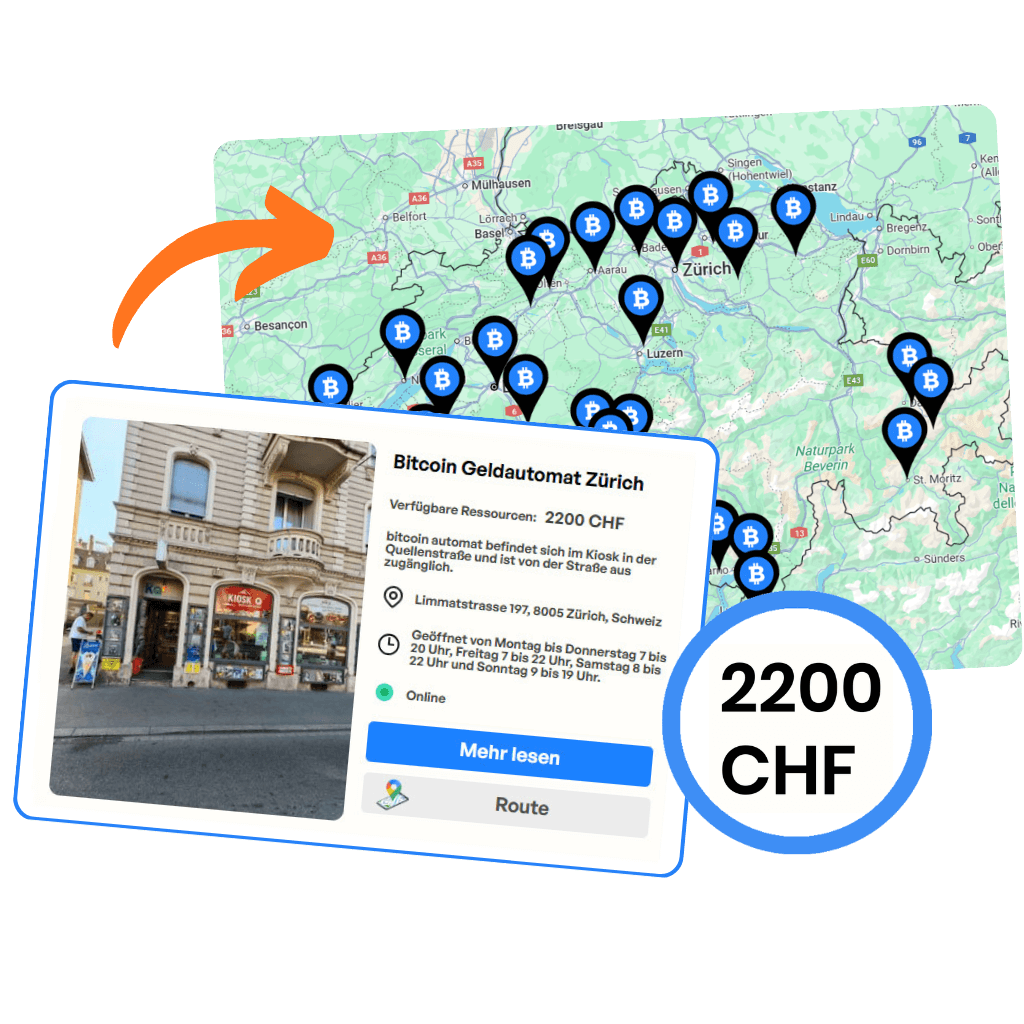
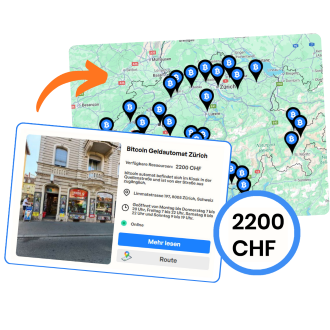
Here you can checkhow much cash is currently in the Bitcoin ATM and how much you can withdraw. You don't have to drive up to the machine to verify this—this information is also available on the operator's website.

The "Show QR code" button creates an address for depositing the selected cryptocurrency, which allows for subsequent cash withdrawal. The address will appear on the BTC machine screen and will be printed. Before generating the code , make sure you have selected the correct cryptocurrency (1) and the appropriate network, especially for USDT and USDC.

You can specify the exact amount in fiat currency for which you want to sell Bitcoin. The system will generate an address which, once scanned, will allow you to complete the transaction for the exact amount you selected.

After selecting this option, enter the barcode number. If the transaction has already been confirmed in the blockchain, the Bitcoin ATM will dispense the cash due.

After depositing banknotes in the Bitcoin ATM, a summary will appear: the deposit amount, the amount of cryptocurrency you will receive, and the network fee. At this point, you can scan your wallet address or enter it manually.
Check the selected cryptocurrency and network carefully, especially for USDT and USDC. Sending funds to the wrong network may result in their loss.

Most users scan the address with a QR code, but it is also possible to enter it manually using the keyboard.

The device allows you to choose from multiple language versions.

Some cryptocurrencies operate on different blockchain networks —here, you select the appropriate option. Despite security measures, selecting the wrong network may result in the loss of funds. Bitcoin operates exclusively on its main network, so no network selection is required for BTC.

BTC: main network
ETH: ETH, Arbitrum, Optimism, Polygon
USDT: TRC20, ERC20, Arbitrum, Optimism, Polygon
USDC: ERC20, Arbitrum, Optimism, Polygon

Instruction screen

Having trouble with a Bitcoin ATM?

If you have a problem with the Bitcoin ATM or have any questions, please contact our support team. We will be happy to help and quickly find the right solution.

Icon phone

Call

Monday - Friday: 10:00 a.m. - 6:00 p.m.
Saturday - Sunday: 10:00 a.m. - 2:00 p.m.

Icon mail

Send an email

We will respond within 3 business days.

Icon message

Telegram

Monday - Sunday: 8:00 a.m. - 10:00 p.m.

FAQ

Frequently asked questions

The information on this website is for general information purposes only. It does not constitute legal, tax, or investment advice and should not be treated as a recommendation to make any financial decisions. Regulations regarding cryptocurrencies may vary depending on the jurisdiction and are subject to change. Before taking any action related to cryptocurrencies, it is recommended that you consult a qualified legal or financial advisor.

© 2025 Created with bitcoin-kaufenshweiz.ch